
 macOS
 Windows
 iPhone
 Android


Takeoff for Mac
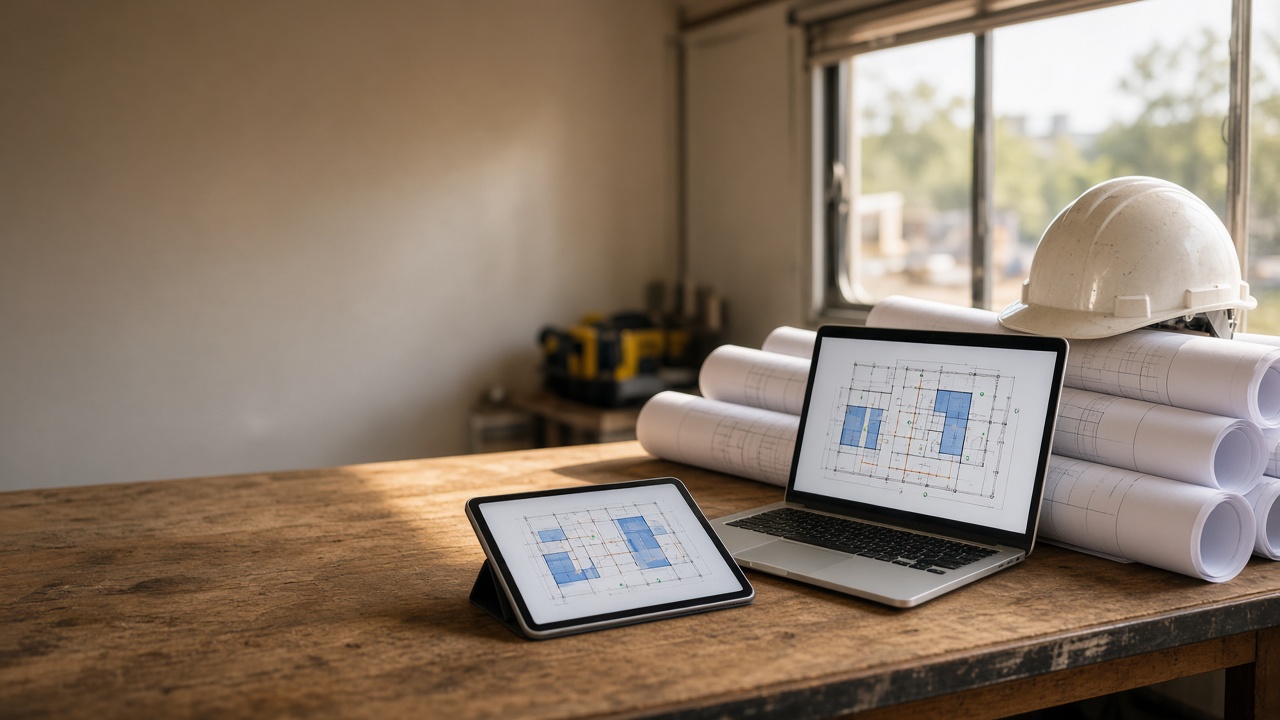
Switched to a Mac and found out your takeoff software won't install? You're not alone. Most legacy takeoff tools only run on Windows. Here's what that really means, why Parallels is a headache, and what Mac and iPad estimators can use instead.
Takeoff Software for Mac: Why Legacy Tools Don't Fit Your Mac, iPad, or Phone
If you're searching for takeoff software for Mac, you probably already know the feeling. Your office runs on a MacBook, your iPad rides along to the jobsite, and your phone never leaves your pocket. Then you open the takeoff software the industry grew up on, and it wants a Windows PC.
You're not doing anything wrong. A lot of legacy takeoff software was built when "estimating workstation" meant a Windows tower under a desk. The way small and mid-size contractors work has changed. Much of that software hasn't.
Here's the straight story: which well-known tools run on Mac and iPad today, the workarounds and what they cost you, and what to look for instead.
Does takeoff software run on a Mac?
Some does. Much of the legacy desktop software doesn't. Here's what the vendors say themselves, as of October 2026.
Is there a PlanSwift for Mac?
No. ConstructConnect says PlanSwift cannot be installed directly on a Mac (PlanSwift system requirements). Mac users have to run Windows through Boot Camp or a virtual machine like Parallels. ConstructConnect tests PlanSwift only on native Windows and doesn't guarantee Mac or VM setups. It doesn't run on iPad or iPhone either.
So if you've been searching "PlanSwift for Mac," the honest answer is that there isn't one. There's only PlanSwift running inside Windows on a Mac.
Does On-Screen Takeoff run on a Mac?
Not directly. ConstructConnect's own FAQ says none of its desktop applications, including On-Screen Takeoff, can be installed directly within macOS. You need Windows on the Mac. For Mac users, ConstructConnect points to a separate browser-based product, ConstructConnect Takeoff.
Does Trimble Accubid run on a Mac?
No. Trimble's datasheets for both Accubid Classic and Accubid Anywhere say it plainly: "We do not support Mac OS." Both require Windows 11 Professional.
Does Bluebeam Revu run on a Mac?
This one has changed, so here are the details:
Revu desktop is Windows-only. Bluebeam says Revu "is not supported as a native macOS app" (Bluebeam on Mac).
Revu for Mac reached end of life in 2023.
Revu for iPad was retired from the App Store on December 31, 2025.
Bluebeam now offers a web app and a Bluebeam app for iPhone, iPad, and Android, focused on markups, Studio collaboration, and field work, including offline. On Apple Silicon Macs, you can install the iOS app.
For the full Revu toolset on a Mac, Bluebeam's own recommendation is to run it in a Windows virtual machine like Parallels.
So Bluebeam does show up on Apple devices. The full desktop product still needs Windows.
How do Mac users run Windows-only takeoff software?
There are four usual workarounds, and each one costs you something.
Parallels or another virtual machine
This is the path most vendors point Mac users to.
You pay for the virtualization software and a Windows license on top of your takeoff subscription.
You keep two operating systems updated.
Vendors like ConstructConnect don't test or guarantee their software in a VM.
ConstructConnect also warns that project data stored only inside a VM can be lost if the VM gets reset. That's a real risk on a bid with a deadline.
Boot Camp
ConstructConnect notes that newer Apple Silicon (M-series) Macs can't dual-boot Windows, so Boot Camp only works on older Intel Macs. Even where it works, you restart the computer every time you switch between Mac and Windows.
A dedicated Windows PC
This works, but your takeoff lives on one machine in the office. Your iPad and phone become, at best, plan viewers.
The vendor's separate web or mobile product
Sometimes that's a good fit. Just know it's often a different product from the desktop app you know, with a different set of tools. Check that it measures what you need before you count on it in the field.
What to look for in takeoff software for Mac and iPad
Before you compare feature lists, ask these questions:
Does it run natively where you work? Look for a real macOS app, plus iPad and phone apps. No Windows layer.
Can you do area, linear, and count on every device? Not just at the desk.
Does it work offline? Jobsites don't always have signal.
Does the job sync across devices? You should be able to start in the office and check it in the field without emailing files around.
Does it get you from quantities to a price? Look for assemblies, cost totals, and an export your office can use.
Can you explain the price to the owner? Add up the subscription plus any Windows and virtualization costs, not just the license.
Planformer: construction takeoff software for Mac, iPad, and phone
Planformer is construction takeoff and estimating software. It turns a PDF plan set into quantities, assemblies, and a priced estimate, on your phone at the site or your desktop at the office.
It runs natively on five platforms: macOS, Windows, iPhone, iPad, and Android. Mac users can download Planformer for Mac directly. No VM, no Boot Camp, no Windows license.
How area, linear, and count takeoff work
Upload a PDF plan, set the scale, and start measuring:
Area: Draw around any space for square footage of floors, slabs, roofs, paving, and more.
Linear: Tap to measure walls, trim, curbs, fencing, and pipe runs.
Count: Drop markers on fixtures, outlets, doors, windows, and drywells.
Volume: Concrete, fill, and excavation.
From there, drag material and labor assemblies onto the takeoff, or add unit prices on a cost sheet to get material and labor totals. When you're done, export to Excel or share marked-up plans with your team or client.
Office to field on the same job
Planformer works offline on desktop, tablet, and phone. No signal on site is no problem: you keep working and it syncs later. Cloud sync means you can start a takeoff on your Mac in the morning and finish it on your iPad in the field that afternoon.
Estimator on a Mac. PM reviewing on an iPad. Superintendent checking a count on an Android phone at the trailer. Same job, no exporting back and forth.
Who it's built for
Planformer is made for concrete, paving, drywall, roofing, flooring, painting, framing, landscaping, electrical, many other trades and general contractors who need fast, accurate numbers without expensive desktop software.
What it costs
On the App Store, Planformer Premium is $49.99/month or $399/year. The yearly plan comes with a 14-day free trial, and the monthly plan with a 7-day free trial.
FAQ: takeoff software for Mac
What is the best takeoff software for Mac?
The best choice is one that runs natively on your Mac and on the devices you take into the field. Planformer has native apps for macOS, Windows, iPhone, iPad, and Android, with area, linear, count, and volume takeoff, assemblies, offline use, and Excel export.
Is there a PlanSwift for Mac?
No. ConstructConnect says PlanSwift can't be installed directly on a Mac. You need Windows running through Parallels, or Boot Camp on older Intel Macs.
Does Bluebeam Revu work on Mac?
Not natively. Revu for Mac reached end of life in 2023. Bluebeam's options for Mac users are its web app, its iOS app on Apple Silicon Macs, or full Revu in a Windows virtual machine.
Can I do construction takeoff on an iPad?
Yes. Planformer runs on iPad with area, linear, count, and volume takeoff, and it works offline. PlanSwift, On-Screen Takeoff, and Accubid don't run on iPad. Bluebeam's iOS app focuses on markups and field collaboration.
Can I run PlanSwift on an M1, M2, or newer Mac?
Only inside a Windows virtual machine like Parallels. Apple Silicon Macs can't use Boot Camp, and ConstructConnect doesn't test or guarantee PlanSwift in VMs.
Does Planformer work offline?
Yes. You can work offline on desktop, tablet, and phone, and your work syncs when you're back online.
Is there a free trial?
Yes. The yearly plan includes a 14-day free trial, and the monthly plan includes a 7-day free trial.
Try it on a real bid
If you're running a Windows VM just to measure plans, try Planformer on the Mac, iPad, and phone you already own.
Download Planformer for Mac, Windows, iPhone, iPad, or Android. Questions? Email sales@planformer.com.
Open a real bid set, set the scale, and run an area, a linear, and a count. You'll know in one afternoon whether it fits.